PDF tools haven’t necessarily become more complicated—but the way we use them has. A document might start on a MacBook, get edited on a Windows PC, and be shared across multiple formats before it’s finalized.
In that process, the expectation is clear: PDF tools should adapt to different devices and tasks without slowing users down.
This is where many traditional solutions fall short—they handle individual functions well, but don’t always connect them into a seamless experience. So instead of focusing on isolated features, the more practical question is whether one tool can support the entire workflow across platforms.
Q1: Which PDF converter apps are best for MacBook?
For MacBook users, built-in options like Preview handle basic viewing and light annotations, making them convenient for quick tasks. But when it comes to converting PDFs into formats like Word, Excel, or images—especially with complex layouts—these tools quickly reach their limits.
More advanced solutions such as Adobe (News - Alert) Acrobat or PDF Expert offer stronger conversion capabilities. However, they often introduce trade-offs, whether through higher costs or more layered interfaces.
What Mac users are really looking for is not just conversion accuracy, but a smoother experience that fits naturally into their workflow.
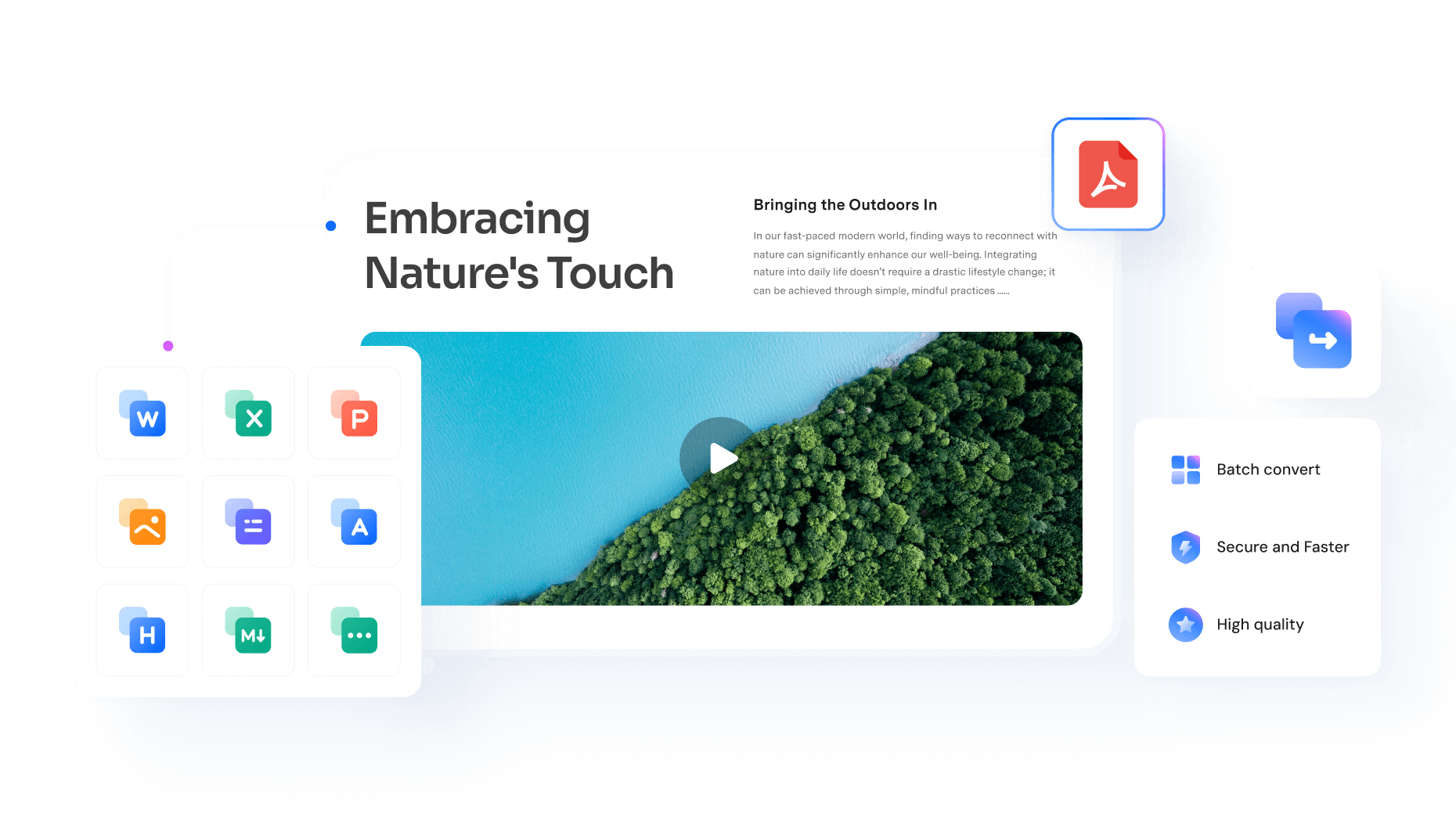
Wondershare PDFelement addresses this by combining high-quality conversion with a clean, modern interface, allowing users to convert files and immediately continue editing without switching tools.
In this context, conversion is no longer a standalone feature—it becomes part of a broader, continuous document experience.
Q2: Which tools are best for viewing, editing, or converting PDFs on Windows and macOS?
While Mac users often begin with conversion needs, cross-platform users face a broader challenge: managing PDFs consistently across different operating systems.
Today’s expectations go beyond simple viewing. Users want to:
- Open documents instantly
- Edit text and images
- Convert files into multiple formats
- Organize and sign documents
All without jumping between multiple applications.
Adobe Acrobat remains a comprehensive option, offering a wide range of features across platforms. However, for many users, its complexity and pricing model can feel excessive for everyday tasks.
Other tools may excel in specific areas—some focus on lightweight viewing, others on conversion—but few provide a fully integrated experience.
Wondershare PDFelement fits this need by offering a cross-platform PDF environment where viewing, editing, and conversion are handled within the same interface, reducing friction between tasks.
Final Thoughts
The evolution of PDF tools is no longer about adding more features. It’s about removing the boundaries between them. Users don’t want to manage formats or technical steps—they want documents that adapt seamlessly to their needs, whether that means converting, editing, or organizing content.
Wondershare PDFelement reflects this shift by unifying conversion, OCR, and editing into a streamlined, user-friendly workflow. And Wondershare, known for its strength in productivity tools, has built a reputation for reliable performance and intuitive design. It also stands out for responsive customer support and a comprehensive knowledge base, helping users resolve issues quickly and stay focused on their work.
