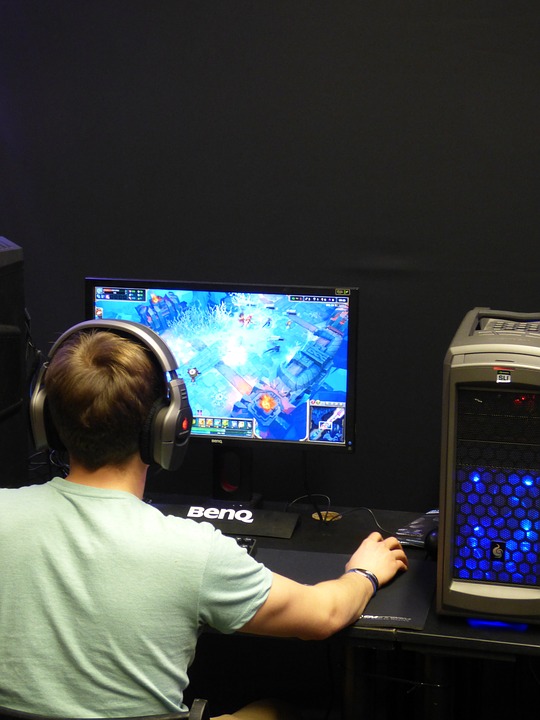
Few things ruin a gaming session faster than lag. Whether you’re in the middle of a high-stakes battle or racing against friends online, slow connections can make the experience frustrating. While upgrading to fast internet for gaming is one solution, there are other quick fixes you can try to reduce lag and get a smoother, more responsive experience.
Why Does Lag Happen?
Lag occurs when there’s a delay between your actions and the server’s response. It’s often caused by:
- High latency (ping) – The time it takes for data to travel between your device and the game server.
- Slow internet speeds – Insufficient bandwidth can cause delays, especially in multiplayer games.
- WiFi (News - Alert) interference – A weak or unstable signal can result in packet loss and increased lag.
- Network congestion – Multiple devices streaming or downloading in your home can slow down your connection.
The good news? You don’t have to suffer through lag. Here are some quick and effective ways to boost your gaming performance.
Quick Fixes for a Faster Gaming Connection
1. Use a Wired Connection
WiFi is convenient, but a wired Ethernet connection provides the most stable and fastest speeds. If possible, plug your gaming PC or console directly into your router. This reduces interference and lowers latency.
2. Optimize Your Router’s Settings
Your router plays a crucial role in gaming performance. Here’s how to fine-tune it:
- Enable QoS (Quality of Service): Many routers have a QoS setting that prioritizes gaming traffic over other internet activities.
- Change Your WiFi Channel: If using WiFi, switch to a less congested channel to reduce interference.
- Use the 5 GHz Band: If your router supports dual-band WiFi, connect to the 5 GHz band for faster speeds and lower latency.
3. Reduce Network Congestion
If multiple people in your household are streaming, downloading, or video calling, your gaming connection may slow down. To minimize congestion:
- Limit background downloads – Pause any large downloads or updates while gaming.
- Ask others to avoid heavy internet usage – Streaming in 4K or downloading large files can affect your connection.
- Use a separate gaming network – Some routers allow you to set up a dedicated network just for gaming.
4. Restart Your Modem and Router
Sometimes, a simple restart can improve your connection. Power cycle your modem and router by unplugging them for 30 seconds and plugging them back in. This can clear up temporary issues and improve performance.
5. Choose Game Servers Closer to You
Many online games let you select a server region. Picking a server closer to your location can reduce ping and improve responsiveness.
6. Upgrade Your Internet Plan
If your speeds are consistently slow, consider upgrading to a higher-speed plan. Look for an internet provider that offers low-latency connections, high upload speeds, and minimal network congestion during peak hours.
7. Update Your Router and Gaming Device
Outdated firmware on your router or gaming device can lead to performance issues. Check for updates regularly to ensure you’re getting the best performance possible.
8. Use a Gaming VPN (Carefully)
A gaming VPN can sometimes reduce lag by routing traffic through a more efficient path. However, it can also slow down your connection if not properly configured. If you try a VPN, choose one with gaming-optimized servers.
Lag doesn’t have to ruin your gaming experience. By optimizing your connection, adjusting router settings, and managing network traffic, you can enjoy a smoother and more responsive gaming session. Try these fixes, and you’ll be back in the game without frustration.
