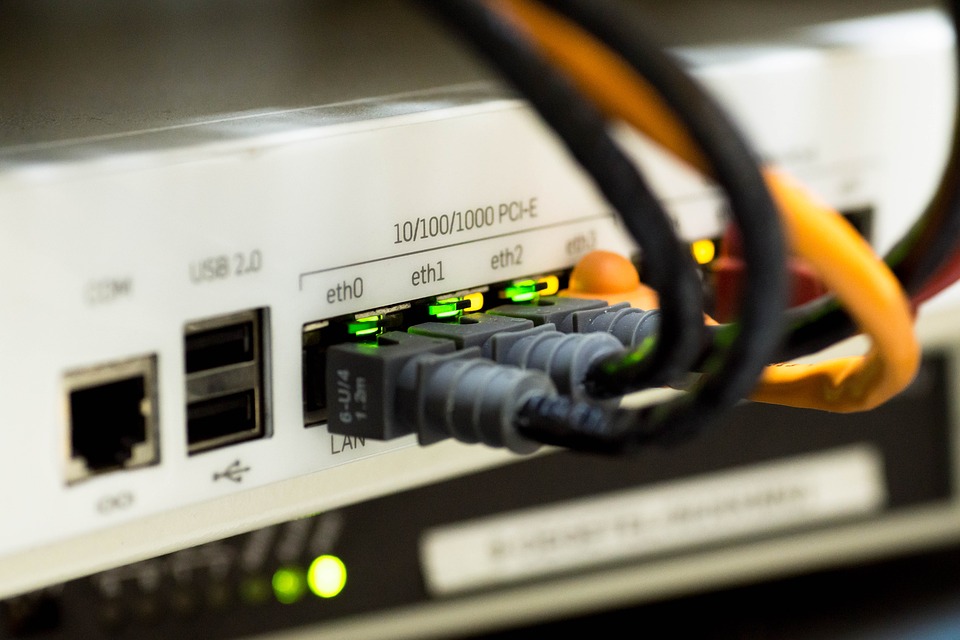
Ethernet has become an essential component of our daily lives, connecting us to the world wide web. Although Wi-Fi is prevalent in many homes and offices, it is not always the most reliable or efficient option for large spaces or areas with thick walls. In such cases, ethernet over coax can be a lifesaver, extending high-speed connectivity without the need for additional wiring.
What is Ethernet over Coax?
Ethernet over coax (EoC) is a networking technology that allows you to transmit Internet data signals using existing coaxial cable infrastructure. Coaxial cable, which was initially designed for TV connections, can now be repurposed to carry ethernet signals as well. By converting your coaxial cables into ethernet cables with necessary adapters at both ends, EoC lets you set up a stable and reliable network connection without any new wiring. The system is also referred to as coax over ethernet.
Step 1: Assess Your Current Infrastructure
Before investing in EoC equipment or adapters, it's crucial to determine if your location already has an existing coaxial cable network. Look for any existing coaxial outlets on your walls or search near your television wall mounts since this is where most homes and offices have a coaxial connection point. It's important to identify the number of available outlets because each one can be potentially used as a point of connectivity.
Step 2: Choose Your EoC Equipment
Once you've confirmed the availability of functioning coaxial cables, it's time to choose the right EoC equipment for your needs. There are various options available in the market; some are plug-and-play solutions that offer simplicity and convenience while others require more technical expertise but provide greater control and customization options.
Depending on your requirements, you may opt for either standalone adapters or multi-port extenders. Keep in mind that different models come with different speed capabilities, so choose one that aligns with your desired network speed.
Step 3: Connect the Adapters
Now that you have your EoC equipment ready, it's time to connect the adapters and merge efficiency and innovation. Start by identifying two coaxial outlets—one at the modem/router end and the other at the desired device end. These outlets will act as endpoints for your Ethernet connection.
First, attach one adapter to the coaxial cable connected to your modem/router, using an Ethernet cable to establish a direct connection between the adapter and router. This will provide connectivity to your main network source.
Next, locate the coaxial outlet near your desired device or devices. Attach another adapter to this outlet using an Ethernet cable. This will serve as the endpoint where you can connect these devices directly using Ethernet cables.
If you have additional devices located in different rooms or areas of your space, repeat this step for each location, making sure each device is isolated and receives its own dedicated network connection.
Step 4: Configure Your Network
With all the adapters connected, it's now time to configure your network settings. Open a web browser on a connected device and type in the IP address specified in your EoC equipment's user manual. This will take you to the configuration page, where you can make adjustments according to your network requirements.
Typically, you will want to name each adapter for easy identification and manage other settings like secure encryption protocols (WPA2 or WPA3) and network passwords. It's important to choose strong and unique passwords from a security standpoint. After configuring these settings, save them accordingly for effective implementation.
Step 5: Test Your Connection
After completing all necessary configurations, it's time to test whether your Ethernet over coax setup is yielding successful results. Connect one of your devices directly to an adapter using an Ethernet cable and check if you are experiencing stable and fast internet connectivity comparable with traditional wired connections.
Repeat this process with multiple devices across various locations within the range of these adapters to ensure consistent results. If any issues arise, double-check cable connections and rerun the configuration process. Sometimes, a simple restart of your devices or adapters can also resolve connectivity hiccups.
Conclusion
Ethernet over coax allows you to effortlessly transform your existing coaxial infrastructure into a modern and efficient network medium. By following these steps, you can set up Ethernet connections between different areas within your home or office without the need for additional wiring or needless disruptions. Enjoy stable, fast, and secure internet connectivity throughout your space using Ethernet over coax technology.
