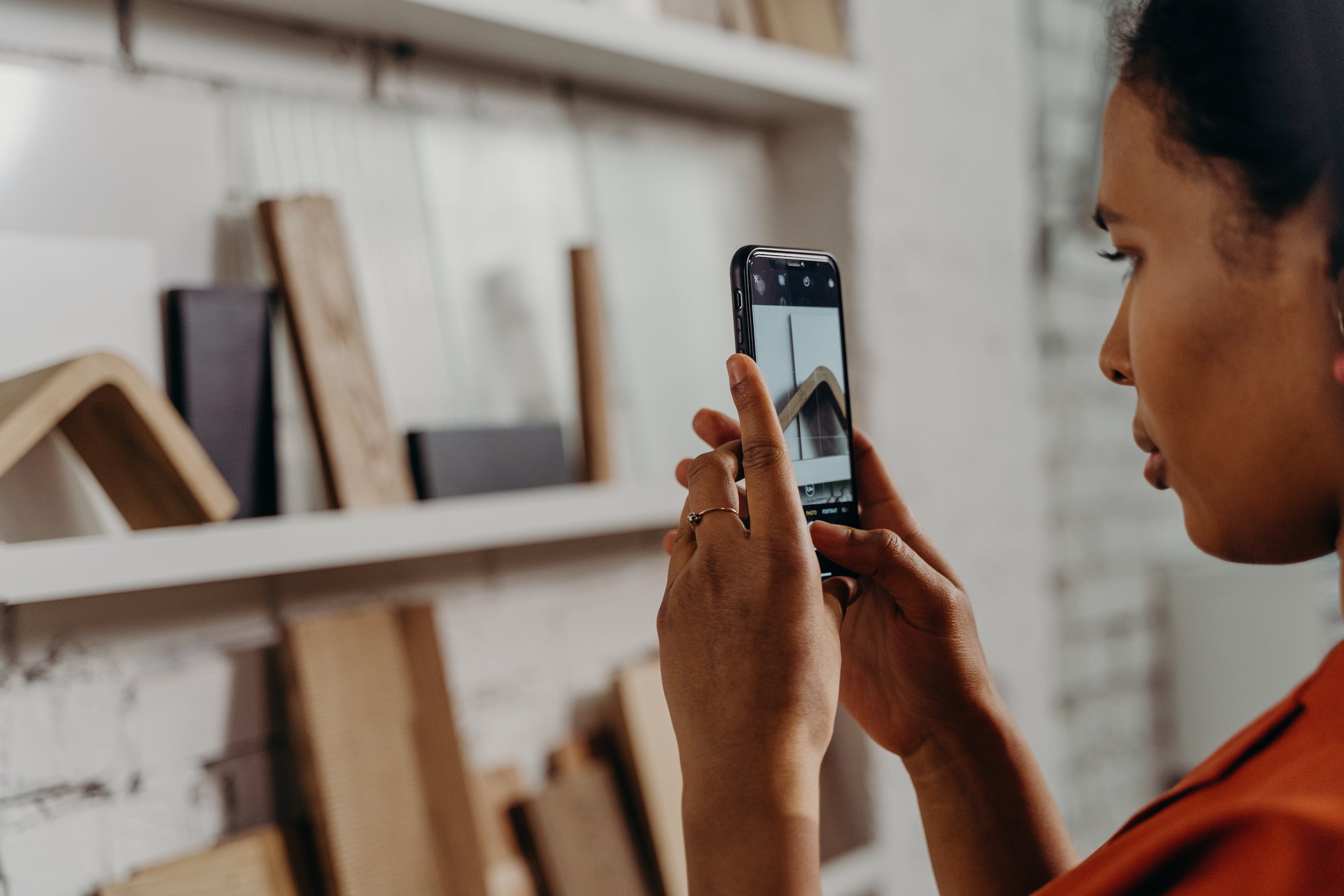
Creating stunning and head-turning social media content can require a lot of work. After all, it takes more than aiming and shooting your camera or phone to get that almost perfect snap for your social media marketing campaigns.
The good news is that digital technology has changed photography and image editing. With the right strategies and robust tools, you can easily create and refine images, whether promoting your personal brand or boosting your company’s social media marketing efforts.
Creating captivating content to amplify your social media marketing initiatives and meet your goals can become a breeze. Jumpstart your efforts with these five tried and tested photo editing tips.
1. Use overlays
Using overlays or layering is one way of adding visual texture to your images, to make them more vibrant and less flat. It can also help spice up your pictures while amping up on surreal effects.
Photo overlays can be images, textures, or colors placed over a photo’s background layer, or superimposed in different ways over foreground elements. You can use overlays to create a specific ambiance, convey a mood, or highlight an element within your image.
Overlays make it easy to design creative, unique images, allowing you to create double exposure effects and add graphics or text watermarks quickly.
You don’t need to be a professional photographer or graphic designer to use overlays. Leverage powerful photo editing apps such as Photoleap by Lightricks to make creative image combinations effortlessly.
The app offers editing tools that let you create double exposures, superimpose images, and out-of-this-world works of art with a few taps. Add new image layers easily and re-edit each one at any time. You can also blend photos quickly by adjusting the layer transparencies and blending modes, including changing the perspective.
Modern apps with robust photo editing features make creating overlays and transforming your plain images into creative and surreal social media visuals easy.
2. Highlight image elements with a blurred effect
Blurring your image’s background is an excellent way to direct your viewer’s eye to your photo’s subject. It can also create a sense of space and depth, making your subject stand out more.
You can achieve this effect when taking a photo using a wide aperture setting on your camera. You can also apply a blurred effect on your existing images or stock photos from photo-sharing platforms and websites such as Pexels and Unsplash.
Most modern photo editing apps offer one-tap blurring effects that you can easily modify by adjusting the intensity level. The key is not to overdo it. Consider following best practices when blurring your image’s background so it doesn’t look too unnatural or distracting to viewers.
Apply and adjust your blurring effect accordingly, whether you want to cover up a busy-looking background or add drama and flair to your minimalist images.
3. Tweak the brightness and color
Adjusting your social media image’s brightness and color can go a long way in enhancing your visual assets.
Brightness is the amount of light in images. The more light an image has, the more details viewers can see. Making your images a tad brighter can highlight elements that were too dull or dark for viewers to notice. Just make sure to adjust the contrast accordingly, so the image doesn’t look washed out.
Color in photos refers to the hue (blue, red, and other colors) or saturation (vividness) of particular areas in your images. Adjusting your image's colors can make certain elements pop out, which helps draw your viewer’s attention to your social media content.
For example, you can adjust the red hue to make the red tones in your photos more (or less) orange. Popular photo editing apps offer easy-to-use image brightness, color saturation, and vibrancy adjustments.
You can adjust the vibrancy to increase color intensity in neutral tones and maintain intensity in brighter colors. You can also increase saturation to make the colors within your image more intense, giving it a more dramatic feel.
Strike a balance to avoid over or under-saturating your images – unless, that is, you’re going for a hyper-stylized aesthetic. Overly saturated images can give off a more innocent and childlike visual, while undersaturated photos can look more dramatic.
4. Leverage presets
Filters or presets allow you to change your social media image’s mood instantly and with minimal effort. For instance, photo editing apps like Befunky provide filters you can apply with one tap and adjust accordingly.
Filters and effects let you apply quick enhancements to your social media visual content. These can give your photos a more dramatic or fun look while conveying the mood you want to achieve.
More advanced photo editors also allow you to adjust your applied filters’ various parameters, such as contrast, saturation, and brightness, to achieve the exact look and feel you want.
Preset filters, effects, and others help you customize your images quicker while getting high-quality and professional-looking results.
5. Include text
If you want your social media images to drive action from your audiences, include compelling text superimposed on the visuals. Using Visme’s design tools, this is easy.
When used strategically, text can encourage interactions, engagement, and conversions. Text can also help your content stay on-brand, stand out from other users and companies' social media posts, and get your message across to potential customers.
To help ensure your texts don’t overwhelm or even ruin a perfectly good image, use the right fonts, sizes, styles, and colors.
Follow graphic design best practices to make your texts visible and readable while keeping your images visually pleasing. For instance, use light-colored texts against a dark photo. Also, match the fonts and colors to the image’s overall mood and aesthetics to ensure it makes sense while keeping it artistic and unique.
Level up your social media photos with creative photo editing
Editing your photos to achieve the mood, feel, and look you want can take time and effort.
However, you’ll be better equipped to create and edit your social media images seamlessly and get professional-quality results when you follow photo editing best practices and tips.
It also helps to use a reliable photo editing app that offers the features that best fit your needs to make it quick and easy to edit photos the way you want.
