TMCnet News
Aastra 57i and 57i CT ReviewOriginally posted on VoIP & Gadgets Blog, here: http://blog.tmcnet.com/blog/tom-keating/voip/aastra-57i-and-57i-ct-review.asp.
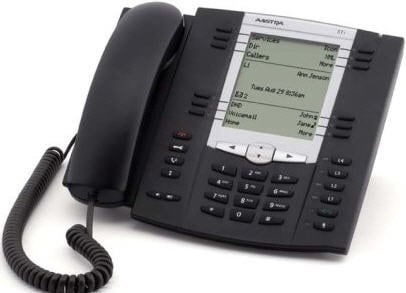
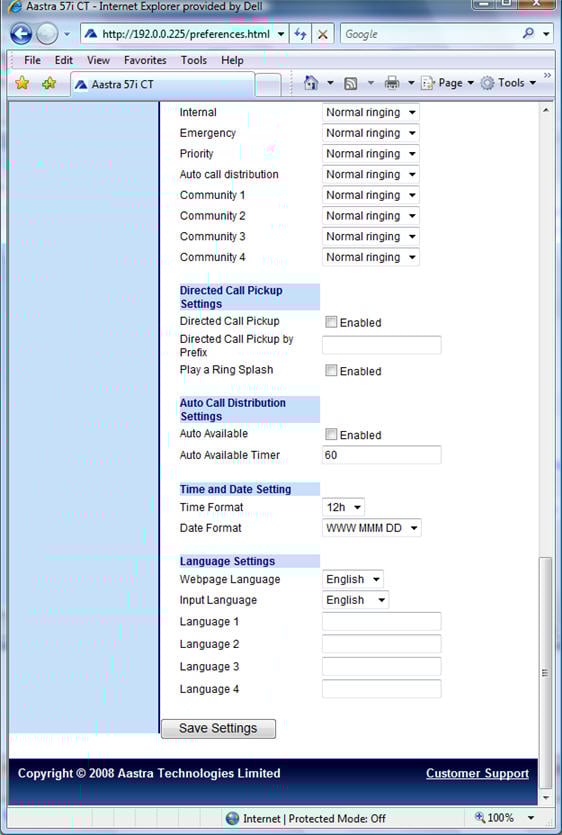
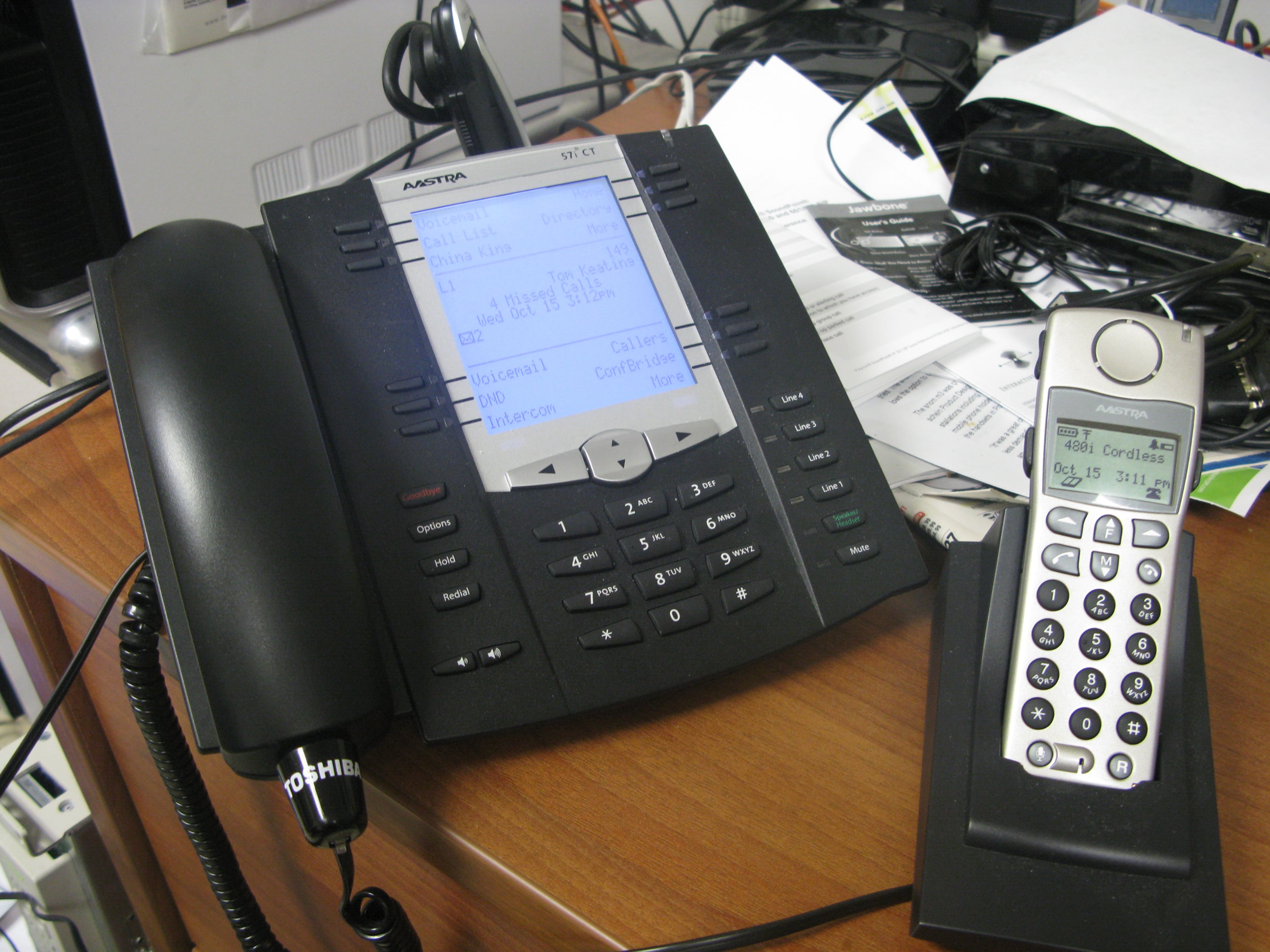
directory 1: directory.csv When you next reboot the phone, the corporate directory is automaticly downloaded. The phone also supports callers logs, a redial with up to the last 100 phone numbers, and 12 programmable keys located next to a large LCD. The 6 top keys are static softkeys with up to 10 programmable functions. The 6 bottom keys are state-based softkeys with up to 20 programmable functions. All top and bottom keys can be configured for specific functions, such as Intercom, Callers List, speed dials, etc. When you program one of the keys, it displays its function within the LCD. For instance, if you look at my phone you'll see I have China King set as one of my speed dials. One press and I can instantly call my favorite Chinese restaurant! 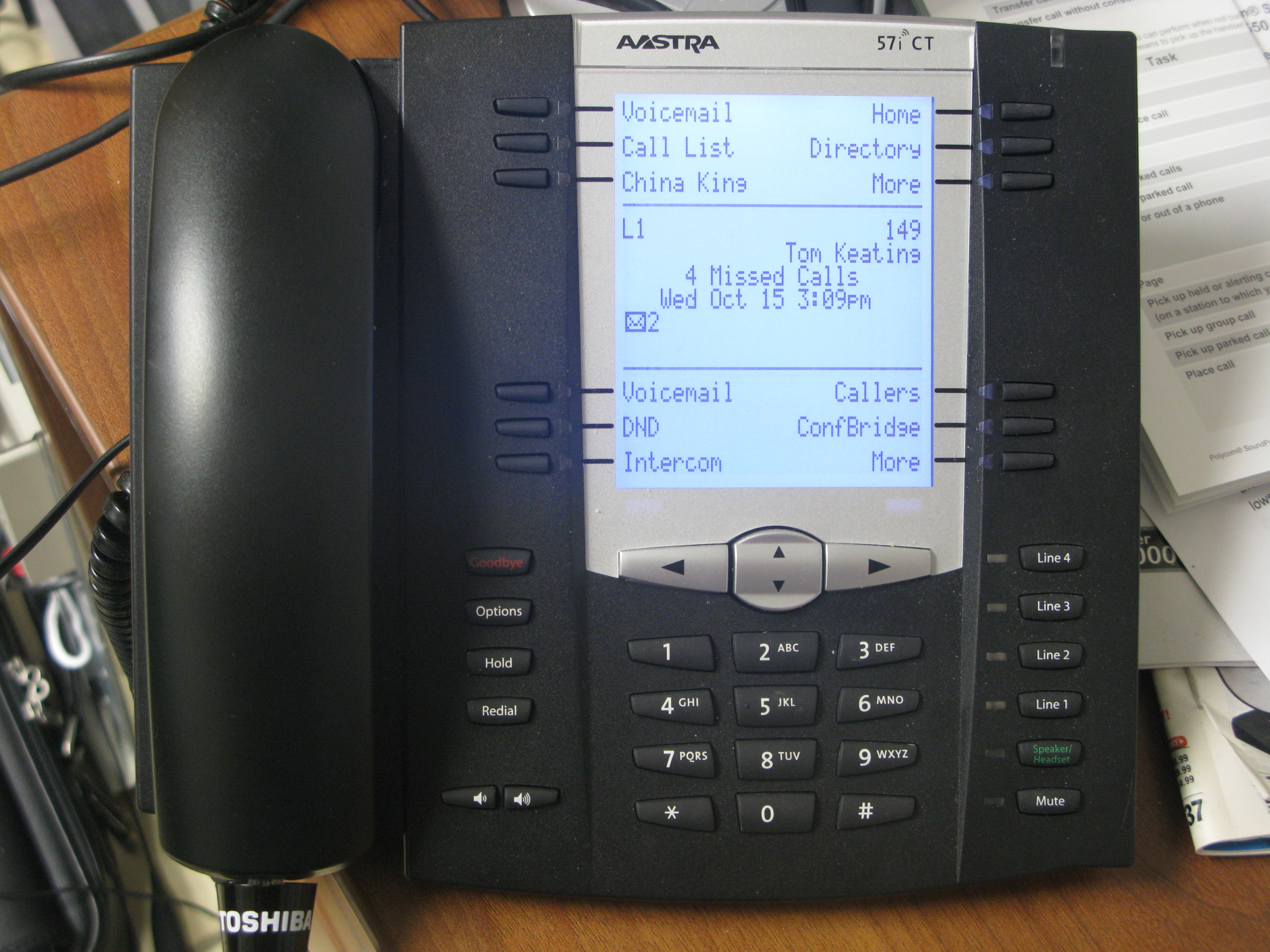 The 57i phones support shared call and bridged line appearances (SCA & BLA). In fact, Aastra's line of IP phones do a good job of emulating key system functionality. It fully supports BLF (busy lamp fields) allowing you to see when a person/extension is on the phone. From the web interface you simply pick BLF, enter the extension and the name of the person. When the monitored user is idle, there is a small telephone icon shown with the handset on-hook. When the monitored user is on an active call then a small telephone icon is shown with the handset off-hook. The BLF also acts a one-click speed dial, allowing you to simply click a BLF and instantly ring that extension. Another BLF capability is the BLF List feature. The BLF List feature on the Aastra IP phones is specifically designed to support the BroadSoft (News - Alert) Broadworks Rel 13 Busy Lamp Field feature simply by entering the BLF List URI. The BLF List URI is the name of the BLF list defined on the BroadSoft BroadWorks Busy Lamp field page for your particular user. For example, [email protected]. 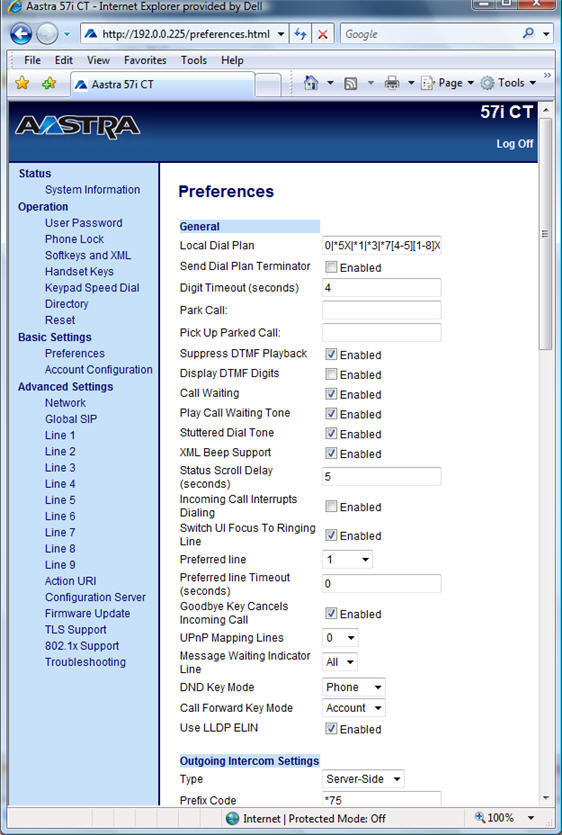 57i CT Web Interface Preferences Some other features of note. First, in addition to shared call and bridged line appearances, typical features such as call forward, call transfer, call waiting, intercom and local 3-way conference are available. Second, the Aastra 57i and 57i CT support stuttered tone letting you know that you have new voicemail waiting. Third, the IP phones support several different languages. You can have the IP Phone UI and the Aastra Web UI display in English, French, Spanish, German, and Italian. 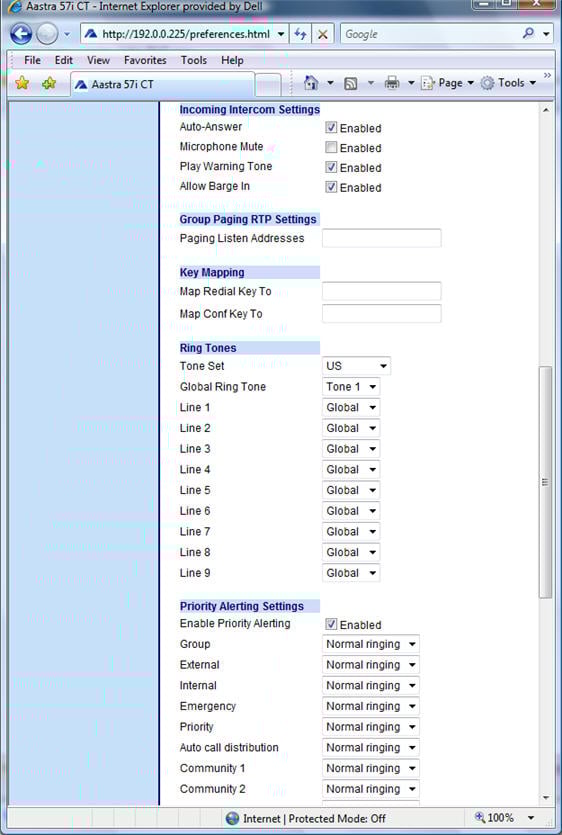 57i CT Web Interface Preferences 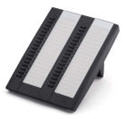 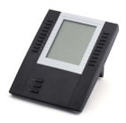 It's also worth mentioning that the Aastra 57i offers two different module extension options (images to right). The 57i supports up to three Aastra 536M modules, each offering 36 keys with LED indicators to create a feature rich attendant console. Or, it will also support up to three of the advanced Aastra 560M modules, each offering 60 keys with a screen based LCD display and LED system. It's also worth mentioning that the Aastra 57i offers two different module extension options (images to right). The 57i supports up to three Aastra 536M modules, each offering 36 keys with LED indicators to create a feature rich attendant console. Or, it will also support up to three of the advanced Aastra 560M modules, each offering 60 keys with a screen based LCD display and LED system.The 57i Aastra IP telephones have a full-duplex speaker phone with excellent voice quality. I've used an Aastra phone's speaker phone for a long time and have never had any complaints. The phones sport dual auto-sensing switched Ethernet ports along with integrated IEEE (News - Alert) 802.3af Power-over-Ethernet. Configuring Aastra phones are done via configuration files which can then be uploaded to a TFTP server. The syntax of Aastra config files are very straightforward. However, due to the flexibility of Aastra phones and the amount of features, it can get a bit complicated. In fact, Aastra phones are so flexible and configurable, that someone even built an Aastra Configuration Generator, leveraging Microsoft .NET to make it easer. The stated goal is: "This utility will hopefully take some of the pain out of creating the configuration files for the Aastra range of IP phones." The website adds, "With it you can create the base config, the buttons (programmable, top softkey and softkey) config, the console button config, the IP phone directory and encrypt the file prior to uploading it. You can even link in with NMap to perform network browsing for Aastra MAC addresses. You should be able to quickly and easily create phone configurations without having a vast knowledge of the options required. I have tried, where possible, to display tooltips for options and restrict the choice of input to what the option expects." Conclusion The Aastra 57i and 57i CT are two of the most flexible VoIP phones you will find on the market today. The large LCD and plethora of configurable buttons make this phone a must have for executives and other enterprise users that require maximum flexibility for increased productivity. My only suggestion to Aastra would be to offer a color LCD version with a higher resolution for displaying Internet graphics pulled via RSS using an XML application. Perhaps the next series, most likely called the Aastra 67i series, will have color?  I love the Aastra 57i and the Aastra 57i CT and in fact have a 57i CT as my primary desk phone. What more can I say? Two enthusiastic thumbs up! I love the Aastra 57i and the Aastra 57i CT and in fact have a 57i CT as my primary desk phone. What more can I say? Two enthusiastic thumbs up! Price: 57i: $219.95 57i CT: $319.95 57i and 57i CT Resources: 57i Aastra XML Scripts for trixbox CE (PDF) 57i Installation Guide (PDF) 57i User Guide v2.1 (PDF) Latest firmware downloads 57i CT Aastra XML Scripts for trixbox CE (PDF) 57i CT Installation Guide (PDF) 57i CT User Guide v2.1 (PDF) Latest firmware downloads
Tags: 57i, 57i CT, Aastra, IP phone, phone, review, voip
|