
TMCnet News
New Communicator Add-in for OutlookOriginally posted on VoIP & Gadgets Blog, here: http://blog.tmcnet.com/blog/tom-keating/microsoft/new-communicator-addin-for-outlook.asp.
Limitations due to API 
Bugs
Install Instructions: A.) Uninstall Previous Version 1.) Extract it the zip to some where besides the desktop. I’m using ClickOnce for installation, so the install should go somewhere you want it to reside. 2.) Close Outlook 3.) Run the setup.exe as Administrator. It will require .NET (News - Alert) 3.5 & VSTO 3.0 Runtime. The installer will help you out there. 4.) During installation it will say it’s not from a Trusted Publisher as I do not have a certificate for this installation. Click Ok. 5.) Open Outlook Even more interesting is that Microsoft said, "It'll publically available in a week or so as an open source project". Open source? Wow! I assume Microsoft is only open sourcing the Communicator Add-in for Outlook and not the entire Communicator client - or even the entire Office Communications Server 2007 software. Now that would be earth-shattering! Still, any time Microsoft makes their code open source, that's a good thing. On a related note, I've noticed that the Communicator client doesn't play 'nice' with other TAPI applications. I was using the Fonality HUD client and their HUDTAPI Telephony Service provider to make calls to Microsoft Outlook Contacts. That is, I was right-clicking a Microsoft Outlook Contact and then choosing 'Call Contact' but the call was intercepted by Communicator. I had to close the Communicator client in order for the call to be routed through the HUDTAPI service to the HUD client. Very annoying... |
 Last night I received an email from
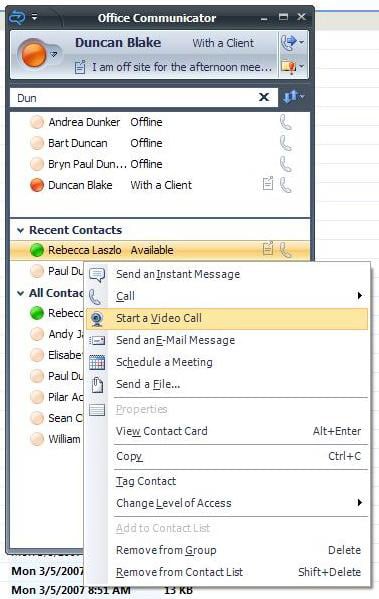
  So stay tuned... (image to right is the Office Communicator client)