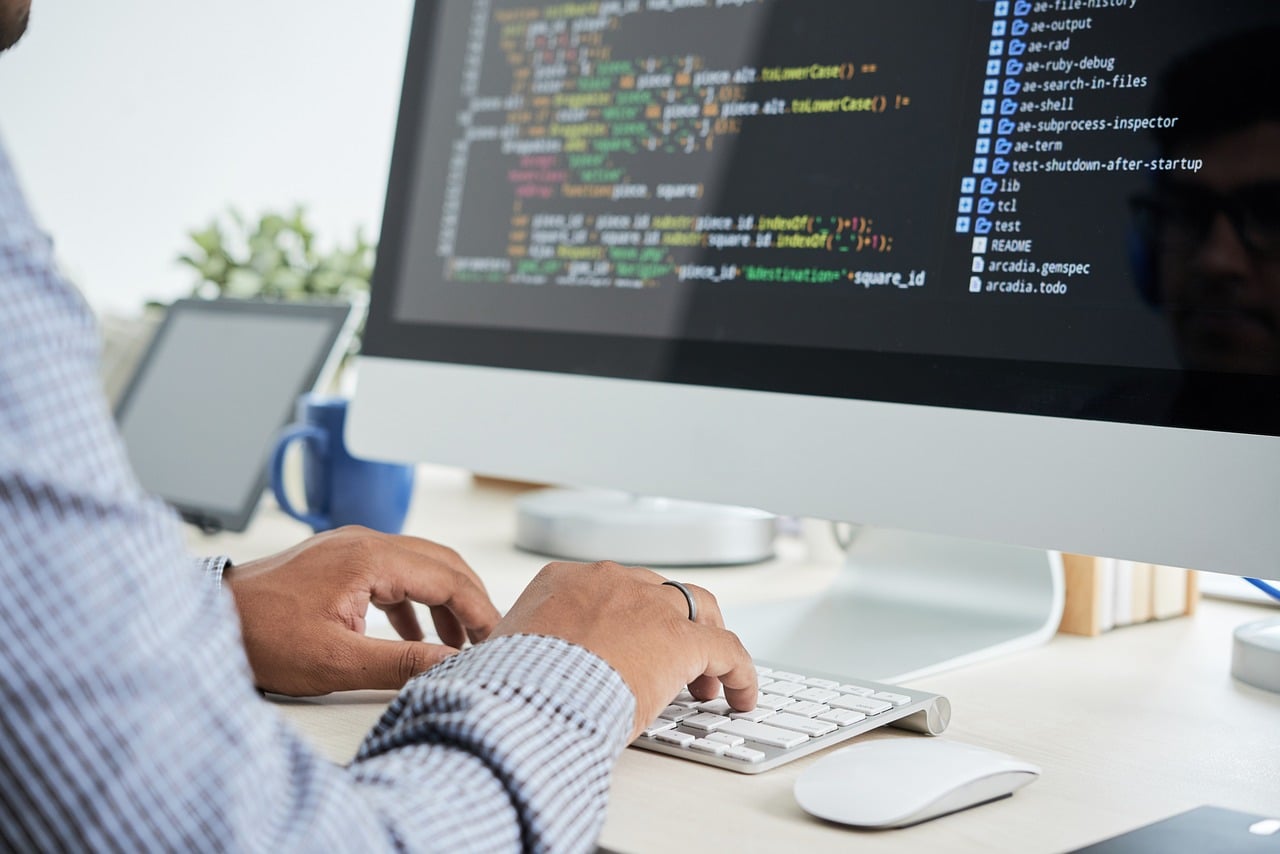
Serious online card game players increasingly approach their sessions with a software stack that looks surprisingly similar to the toolkit used in other data-heavy hobbies. You can use hand histories, statistical dashboards, equity calculators and study platforms to examine decisions from several angles, so your preparation becomes more structured.
The important distinction comes from understanding what each tool actually does, as a tracker records information, a HUD presents selected statistics and a solver explores strategically balanced decisions. Together, these systems can turn thousands of hands into a useful source of information for your own review.
That does not mean installing every poker application you can find will automatically make you stronger, as a crowded desktop can create more noise. You can instead ask how each component fits into your own workflow, so every application has a defined purpose.
You might collect hands during a session, review unusual decisions afterward, compare your assumptions against mathematical outputs and then use those findings to guide future study. This makes poker software more like a personal analytics system, where the quality of your conclusions depends on the information you collect and how carefully you interpret it.
Trackers create the data layer
A poker tracker is usually the foundation of this software stack, as programs such as PokerTracker 4 can import hand histories and organise them into reports covering sessions, positions, stakes and other variables.
That gives you a much larger dataset than you could realistically maintain by hand, so patterns that seem invisible during individual sessions can become easier to identify across hundreds or thousands of hands. You can examine statistics such as voluntary participation, pre-flop raising and aggression, then investigate where your results diverge from your expectations.
The real value comes during review, as raw numbers require interpretation before they become useful. If your results from a particular position are consistently weak, you can filter your database and examine the hands behind the figure, so you can look for recurring decisions instead of relying on a single result.
You might discover poor choices on certain board textures, over-aggressive lines or repeated problems against particular ranges. Generally, a tracker works best as a diagnostic tool, as it helps you locate questions worth investigating without suggesting that one statistic can explain every decision.
Building a practical software stack
This year, LegalUsPokerSites.com's review of online poker tools provides a useful overview of the current categories, as its guide examines HUDs, tracking software, solvers and training applications.
The distinction between these categories matters, because each addresses a different stage of the learning process. A tracker can help you identify a recurring weakness, a solver can help you investigate the underlying strategic question and a training platform can give you structured exercises that reinforce what you have studied.
You can therefore think of the stack as a pipeline, where your tracker supplies historical data, your review process identifies useful questions and your study software helps you investigate them. You can then return to the tables with a clearer understanding of situations that previously caused problems, so your software becomes part of an ongoing learning cycle.
This approach can also help control costs, as you can determine which applications actually contribute to your process before paying for several overlapping subscriptions or features.
HUDs turn data into information
A heads-up display, commonly called a HUD, takes selected statistics from your tracked data and places them near opponents during play. That can give you a compact picture of tendencies such as how frequently someone enters pots or raises before the flop, so you can interpret those numbers alongside the action taking place at the table.
The technical challenge comes from deciding which information deserves your attention, as displaying too many numbers can make the interface harder to read when you are already processing cards, position, bet sizes and timing.
You should also pay close attention to the rules of the poker platform you use, as HUD permissions vary considerably. PokerStars currently permits certain HUD and tracking functions under its third-party tools policy, but it prohibits software that provides real-time advice or automated decisions.
Other advanced analytical tools can also face restrictions while the poker client is running, so you should check the current rules before using any application during a live session. A technically impressive tool is still unsuitable if its use conflicts with the platform's requirements.
Technical checks matter
Software quality involves more than features, as compatibility, data handling and platform rules can affect whether a tool is practical for you. The same principle applies across technology, as high-quality video depends on the software, hardware and connectivity supporting it, while poker tools rely on compatible systems and accurate data.
Hand histories need to import correctly, statistics need sensible definitions and updates need to remain compatible with the poker client, so a technically awkward setup can undermine an otherwise useful workflow.
You should also understand where your data is stored, particularly if a service synchronises information through an external account. Those checks become more important when several applications rely on the same hand-history files.
You should also review the terms governing every poker platform you use, as software policies can change when operators update their detection systems or third-party tool rules. A tool that appears acceptable in one setting can face restrictions elsewhere, so relying on an old forum post or outdated software list can create unnecessary problems.
You can keep your setup lean by removing applications that duplicate functions or add information you rarely use, as a smaller stack can be easier to maintain, understand and monitor.
What a serious setup looks like
A serious poker software stack does not need to resemble a control room, as the most useful setup can remain relatively simple. You might start with a tracker for historical analysis, add a carefully configured HUD where platform rules permit it and use a solver or training application for off-table study.
That combination gives you three distinct perspectives, as you can measure what happened, examine patterns during permitted play and investigate strategic questions after the session.
The technology should ultimately support your judgment, so you remain responsible for interpreting the information and making decisions within the rules. If you are comparing poker platforms or software options, check permitted-tool policies, privacy terms, system requirements and pricing before installing anything.
You can then build a stack that supports disciplined study without turning every session into a battle with software, as the strongest setup is the one you understand well, use responsibly and keep within the rules of the platform where you play.
