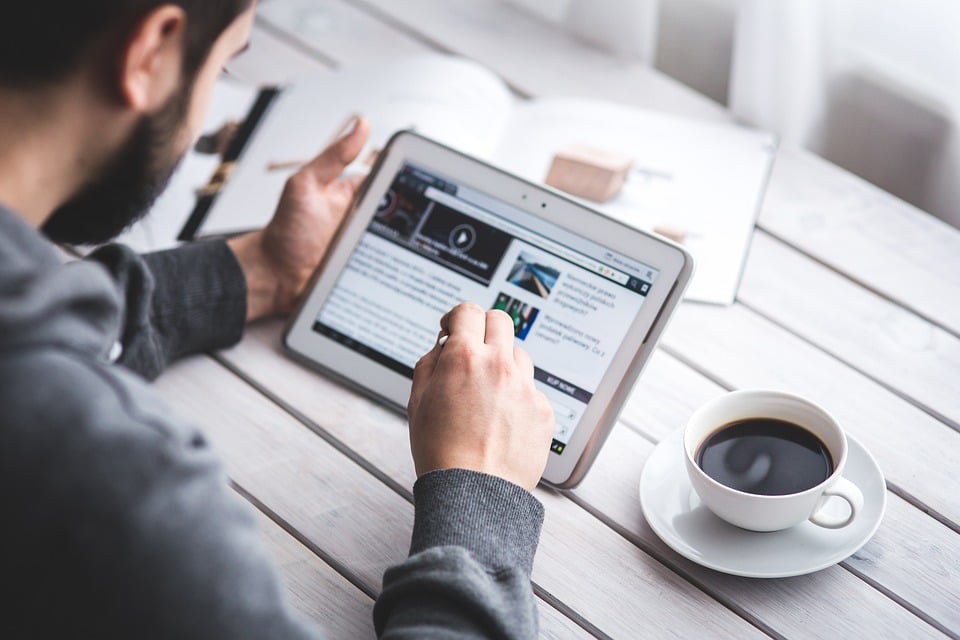
For years, the question has floated around tech forums, productivity podcasts, and office breakrooms: can an iPad actually replace a laptop? For just as long, the honest answer has been "not quite." But in 2026, the gap has narrowed dramatically — and for a growing number of people, the iPad has already won.
This isn't a theoretical exercise. Millions of professionals, students, and creatives are running their working lives from iPads every day. The question is no longer whether it's possible — it's whether it's right for you, and what you need to make it work.
The Hardware Case Is Stronger than Ever
Apple (News - Alert)'s latest iPad Pro lineup runs on the M4 chip — the same silicon powering the MacBook Pro. In raw processing terms, the gap between iPad and laptop has effectively closed. The iPad Pro handles 4K video editing, complex spreadsheets, multi-track audio production, and AI-assisted workflows without breaking a sweat.
The display is another area where the iPad pulls ahead. The ProMotion OLED panel on the iPad Pro is, by most objective measures, better than anything on the MacBook line. For designers, photographers, or anyone who spends long hours staring at a screen, that matters.
Battery life, portability, and cellular connectivity are all native iPad advantages. A device that goes 10+ hours on a charge, weighs under 1.5 pounds, and connects to 5G without a hotspot is a compelling work companion — especially for anyone who moves around.
iPadOS Has Grown Up
The software story has improved significantly. Stage Manager, introduced a few years back, gives iPadOS a genuine multitasking experience — multiple resizable windows, external display support, and a workflow that feels closer to macOS than ever before.
Apple Intelligence features, baked into iPadOS 18, add another layer of utility: writing tools, smart summaries, improved Siri integration, and AI-assisted image generation. For knowledge workers and creatives, these aren't gimmicks — they're genuinely useful additions to a daily workflow.
The app ecosystem has also matured. Microsoft 365, Adobe (News - Alert) Creative Cloud, Notion, Linear, Figma — the professional tools most people rely on are either fully featured on iPad or close enough that the gaps are manageable. For most office-based workflows, iPadOS can handle it.
Where Laptops Still Win
Honesty matters here. There are still categories where a traditional laptop is the better tool.
Developers are the most obvious example. Xcode runs on iPad in a limited form, but running a full local development environment, compiling code, managing complex terminal sessions — that's still a macOS or Windows story for most engineers. Similarly, heavy-duty 3D rendering, complex video post-production pipelines, and niche enterprise software often require a desktop OS.
File management is still clunkier on iPadOS, even with the improvements to the Files app. Power users who work with complex folder structures, local servers, or custom automation will find the iPad more limiting than they'd like.
And for people who spend the majority of their day in a browser with 30 tabs open, running web apps and switching between contexts constantly, a laptop's windowing environment is still more fluid.
The Accessories That Make the Difference
Here's the thing most laptop-replacement articles underplay: the iPad experience is only as good as the accessories around it. The right setup transforms it from a great tablet into a genuine workstation alternative.
A quality keyboard matters enormously. Apple's Magic Keyboard for iPad is excellent, but third-party options from Logitech (News - Alert) and others offer compelling alternatives at different price points. The Apple Pencil Pro is a must for anyone in a creative field, and the second-generation model's haptic feedback and pressure sensitivity make it the best stylus on any platform.
Then there's the case. This is where the iPad-as-laptop argument either holds up or falls apart in everyday use. A flimsy case that doesn't prop the iPad securely at the right angle makes extended work sessions genuinely uncomfortable. You need something that holds the device at multiple viewing angles — whether you're typing at a desk, watching content on a plane, or sketching ideas on a stand.
Cases like the ZUGU iPad case have become popular with professional iPad users for exactly this reason. The magnetic stand system supports multiple precise viewing angles — genuinely useful for both typing posture and drawing — while the fiberglass construction offers 5-foot drop protection. It's the kind of case that makes the iPad feel like a tool you'd trust in a bag with the rest of your gear, rather than something fragile you have to baby.
Protection matters more with an iPad-as-laptop setup too. A laptop has its own built-in screen protection when closed. An iPad case needs to do that job, and a good one should handle the drops and knocks of daily carry without question.
So, Can It Replace Your Laptop?
The honest answer in 2026: for a significant portion of people, yes.
If your work revolves around communication, content creation, presentations, data analysis in Excel or Google (News - Alert) Sheets, design work, writing, or client-facing tasks, the iPad Pro with a good keyboard and a well-chosen case is a completely viable primary device. It's lighter, the display is better, and the battery will last a full day without anxiety.
If you're a developer, a power user who lives in the terminal, or someone with a very specific software dependency that doesn't exist on iPadOS, a laptop is still the right call.
For everyone else, the more useful question isn't "can an iPad replace my laptop?" It's "what would I need to make it work?" And the answer to that is simpler than it used to be: the right apps, the right keyboard, and a case that takes the device seriously.
The laptop is no longer the default. It's just one option among several — and increasingly, it's not the best one.
