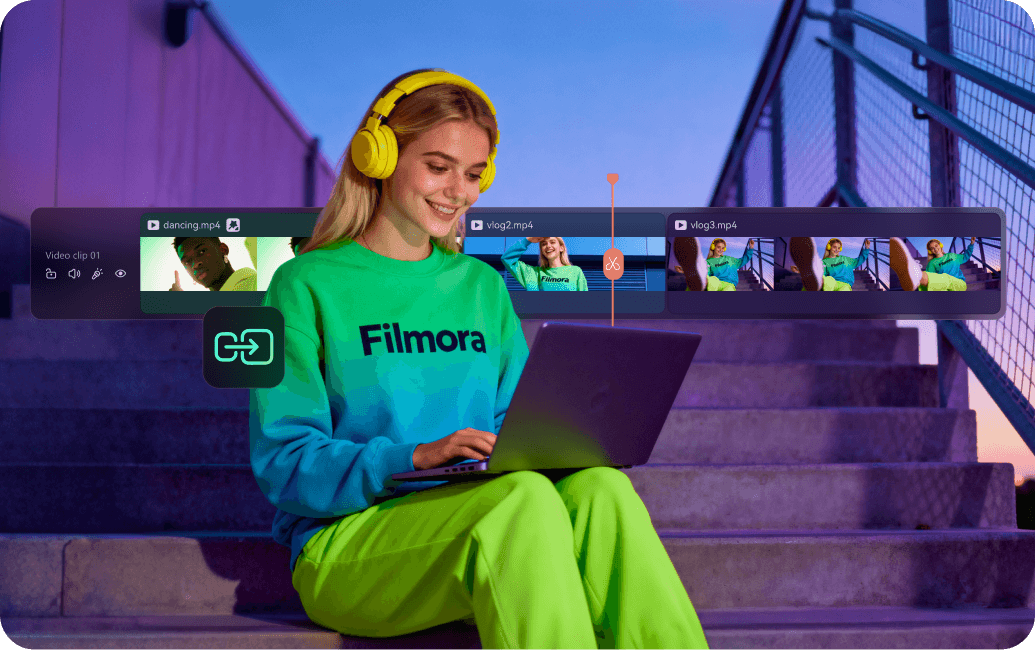
If you just want the answer: Wondershare Filmora is the most practical free 4K video editor for most people in 2026. It’s not the most advanced on paper, but it’s the one that consistently delivers smooth 4K editing, modern AI tools, and a workflow that doesn’t slow you down.
That distinction matters. Plenty of tools “support 4K,” but in real use they struggle—with laggy playback, complex interfaces, or limited flexibility. The real question isn’t which editor can handle 4K—it’s which one makes 4K editing fast, stable, and actually usable. That’s where Filmora pulls ahead.
What Makes a Video Editor Truly 4K-Ready?
A reliable 4K video editor should go beyond basic resolution support. In practice, it needs to handle:
- Smooth 4K timeline playback (not just import/export)
- GPU acceleration for rendering and preview
- Efficient codec support (H.264, HEVC)
- Stable performance with longer timelines
- Optimization tools (like proxy workflows)
Many free editors check some of these boxes. Very few deliver all of them in a way that feels seamless.
Best Free 4K Video Editors in 2026
1. Wondershare Filmora
Best for: Easy, efficient 4K editing with AI tools
Wondershare Filmora offers one of the smoothest 4K editing experiences available without requiring advanced skills.
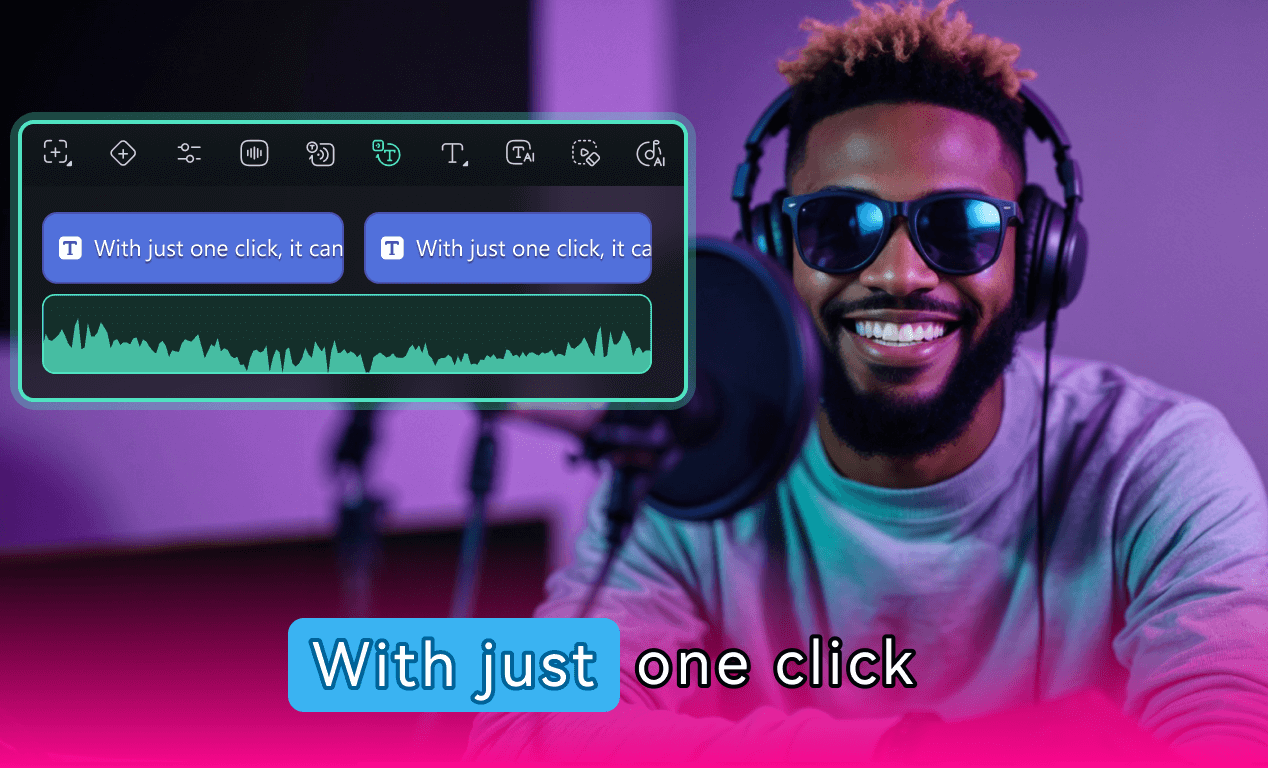
It supports full 4K workflows—from editing to export—while maintaining responsive performance. Its biggest advantage is usability: drag-and-drop editing, fast rendering, and built-in AI features like auto captions, smart cutting, and video enhancement.
Compared to most free tools, Filmora removes friction. You spend less time figuring out the software—and more time finishing your video.
2. DaVinci Resolve
Best for: Professional-grade 4K production
DaVinci Resolve is the most powerful free 4K editor available, widely used in professional environments.
It delivers industry-leading color grading, advanced effects, and deep control over every aspect of editing. But it comes with a steep learning curve and higher hardware requirements.
In short: unmatched power, but not designed for quick or beginner-friendly workflows.
3. CapCut
Best for: Fast 4K editing for social content
CapCut is optimized for speed, templates, and short-form video creation.
It supports 4K editing and includes AI-driven features that make it easy to produce content quickly. However, its workflow is built around simplicity and cloud integration, which can become limiting for longer or more complex projects.
Ideal for quick edits—less reliable for full-scale 4K production.
4. iMovie
Best for: Mac users who want simplicity
iMovie supports 4K editing and offers a clean, beginner-friendly interface.
It’s a solid starting point for Apple (News - Alert) users, but lacks advanced features and flexibility. As projects grow more complex, its limitations become more noticeable.
5. Shotcut
Best for: Free, no-frills 4K editing
Shotcut is a fully free, open-source editor with solid 4K support.
It’s functional and flexible, but the interface feels dated and the workflow is less intuitive than modern tools. It works—but not efficiently for most users.
Why Most Free 4K Editors Fall Short
Many tools claim 4K support, but real-world usage reveals common issues:
- Choppy playback during editing
- Slow export speeds without proper optimization
- Instability in larger projects
This is the key gap: supporting 4K isn’t the same as handling it well. Performance and usability are what separate a workable editor from a frustrating one.
How to Choose the Right 4K Video Editor
Instead of comparing features one by one, it’s more useful to choose based on how you actually edit. Here’s a practical breakdown:
If you’re a beginner working with 4K for the first time
You need a tool that minimizes friction—simple controls, fast rendering, and minimal setup.
- Best fit: Filmora or iMovie
- Why: intuitive interface + smooth editing experience
Key takeaway:
If your goal is to finish videos quickly without a learning curve, Filmora is the most reliable option.
If you want professional-level control
You’ll need advanced color grading, effects, and full control over your timeline.
- Best fit: DaVinci Resolve
- Trade-off: time investment + hardware requirements
Key takeaway:
Choose DaVinci only if you’re willing to invest time learning it.
If you want a completely free, flexible tool
Open-source editors give you full access without restrictions—but require more effort.
- Best fit: Shotcut
- Trade-off: lower usability and slower workflow
Key takeaway:
You gain freedom, but lose efficiency.
If you want the best overall balance
This is where most users fall: you want something powerful enough for real projects, but easy enough to use every day.
Why it stands out:
- Handles 4K smoothly
- Easy to learn and use
- Includes modern AI tools
- Works well across different types of projects
Final Thoughts
Free 4K video editors are everywhere—but truly usable ones are rare.
Some are powerful but overly complex. Others are simple but limited. The challenge is finding a tool that actually works across real-world scenarios.
For most users, Wondershare Filmora offers the best balance between performance, usability, and modern features—making it the most practical choice for editing 4K video today.
