As diagramming software continues to mature, core diagramming capability remains important, but it is no longer the only benchmark. For many users, the real difference now comes down to how quickly they can get started, how easy the tool is to use, how much useful template support it provides, and how naturally it fits into daily work.
This shift makes Wondershare EdrawMax and Microsoft (News - Alert) Visio especially relevant to compare, because they take notably different approaches to diagram creation. EdrawMax emphasizes AI-powered, template-driven creation, while Visio remains more centered on manual diagramming and Microsoft-based workflows.
This article compares the two tools across three key aspects: creation speed and template resources, ease of use and cross-platform compatibility, and AI-assisted diagram creation.
1. Which tool offers faster diagram creation with richer templates?
In this part, we will compare how EdrawMax and Microsoft Visio help users create professional diagrams faster, especially through templates, symbols, and ready-made design resources.
EdrawMax: Faster starts with richer templates and assets
If speed matters, EdrawMax is generally the stronger choice. One of its main advantages is its broader template and asset ecosystem, including 20,000+ icons and 300+ new industry-specific templates across electronics, engineering, fire safety, construction, biology, education, and more.
This gives users more ready-made starting points and reduces the amount of setup needed before actual work begins. In professional use cases such as 2D/3D floor plan design, users can get started more quickly with dedicated templates, symbol libraries, and AI-assisted creation tools instead of building layouts entirely from scratch.
Visio: Professional diagramming with more manual setup
By comparison, Microsoft Visio also supports professional diagramming, but its ecosystem is more limited, with 70+ templates and 7,000+ symbols.
For general business diagrams, this may be enough. However, in more specialized scenarios, users may need more manual customization to achieve the same results, which can make the creation process slower and more labor-intensive.
2. Which tool is easier to use and more compatible across devices?
In this part, we will compare EdrawMax and Microsoft Visio from two practical angles: ease of use and system compatibility.
EdrawMax: Easier to use across more platforms
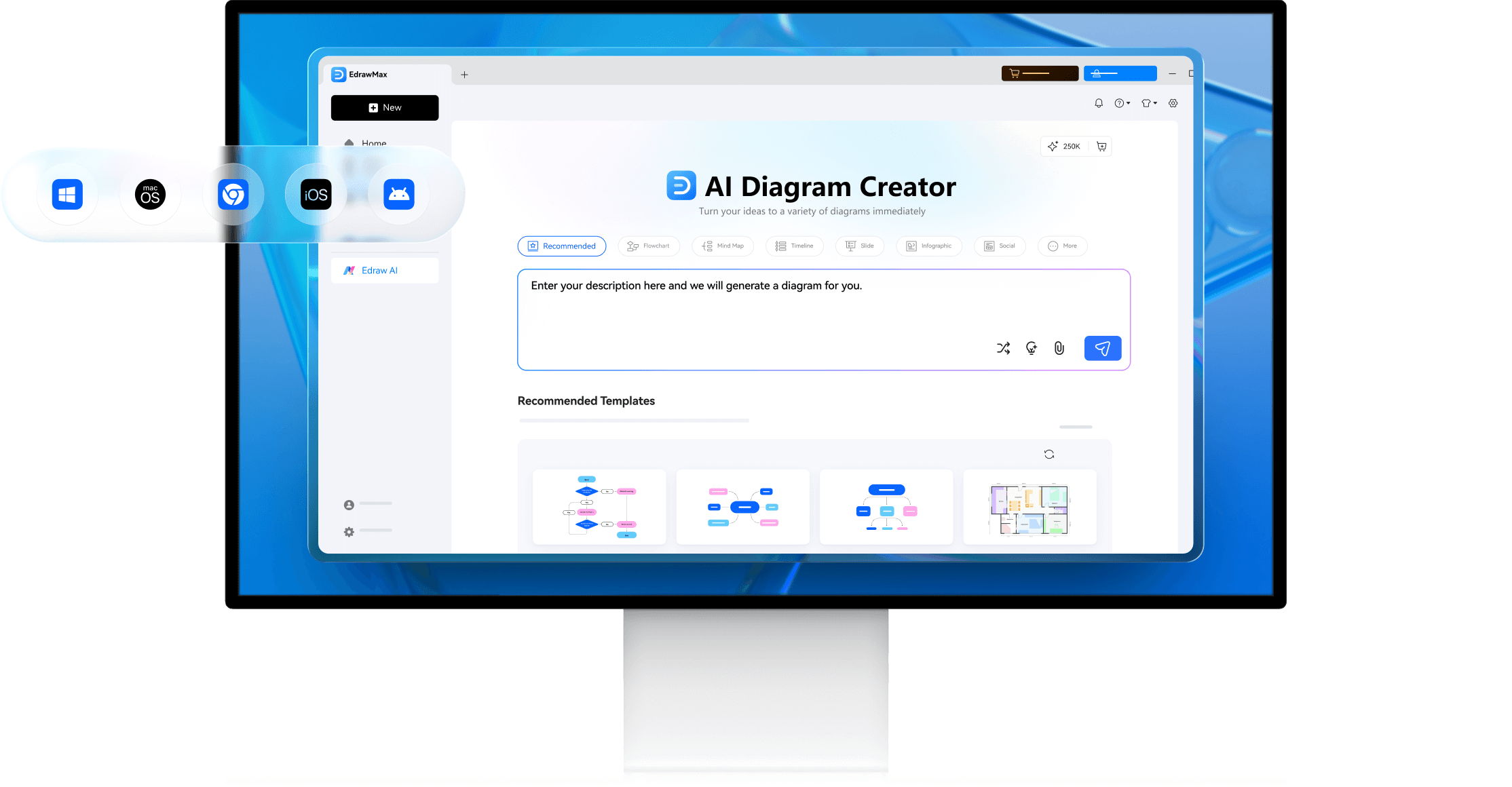
EdrawMax is designed for users who want a simpler and more flexible diagramming experience. Wondershare EdrawMax AI works with selected text from browsers, Office, Notion, and other commonly used apps. It can recommend suitable diagram types and layouts, then turn text into visual diagrams with one click. This makes it easier to move from notes, drafts, or raw ideas to structured visuals with less manual setup.
Its ease of use has also been recognized externally: Wondershare EdrawMax was ranked No.1 globally in G2’s (News - Alert) latest evaluation of the “Easiest to Use Diagramming Software.”
In terms of compatibility, EdrawMax supports Windows, Mac, Linux, Web, iPad, Android (News - Alert), iOS, giving users more flexibility to work across different devices and environments.
Visio: Powerful on Windows, but more limited across platforms
Microsoft Visio is a professional diagramming tool, especially for users already working in the Microsoft ecosystem. However, its platform compatibility is more limited. Visio mainly supports Windows and Web.
For users who prioritize cross-platform access and a lower learning curve, Visio may require more adjustment compared with EdrawMax.
3. Which tool is better for AI-assisted diagram creation?
In this part, we will compare how EdrawMax and Microsoft Visio support AI-assisted diagram creation, especially in terms of prompt-based generation, diagram refinement, and reducing manual work.
EdrawMax: Stronger AI support for diagram creation
For users who want AI to play a central role in the creation process, EdrawMax has the clearer advantage. Its AI capabilities have been significantly expanded, with Edraw Agent at the center of the workflow.
Edraw Agent can understand user intent and respond in real time to requests such as diagram generation, content analysis, and product-related questions. Users can create and refine diagrams through simple prompts instead of relying only on manual editing.
EdrawMax also supports 50+ AI professional diagram types, including technical roadmaps, architecture diagrams, swimlane diagrams, Venn diagrams, Gantt charts, and UML sequence diagrams. This makes it easier to move from an idea to a usable diagram with fewer manual steps.
Visio: More manual control in diagram building
Microsoft Visio supports professional diagramming, but its workflow still relies more heavily on manual shape placement, connector setup, and text editing.
For users creating complex diagrams, this means more steps may be needed before turning an idea into a finished visual.
4. Final verdict: Which one should you choose?
Overall, EdrawMax is the better choice for users who want to create professional diagrams faster, with richer templates, broader device compatibility, and stronger AI-assisted creation. Visio remains a solid option, especially for Windows and Web users, but it may require more manual setup in template selection, diagram building, and workflow adaptation.
Choose Wondershare EdrawMax if your priority is:
- faster diagram creation
- broader professional diagram coverage
- richer templates and assets
- AI-assisted workflows
- better support for turning text or code into diagrams
Choose Visio if your priority is:
• a more traditional manual diagramming workflow
• a mature but less AI-centered tool experience
• tighter integration with the Microsoft 365 ecosystem and related productivity tools
