Most phishing awareness programs were built around an assumption that if organizations could teach employees to scrutinize email more carefully, they could significantly reduce a common entry points for cyber attacks. That assumption may not be as strong as it once was, with daily work becoming more conversational, more real-time, and more dependent on collaboration platforms where messages somehow feel implicitly trusted. As a result, security blind spots that once sat mostly in email are spreading into chat, file sharing, and meeting tools.
Take, for instance, Microsoft (News - Alert) Teams, the most widely used workplace collaboration platform. It’s a critical part of daily business operations, and Microsoft itself has recognized that Teams has become a target for attackers, noting in 2025 that threat actors are using Teams in malware delivery and command-and-control scenarios, highlighting how collaboration tools can be abused not just for social engineering, but as operational infrastructure inside an attack chain.
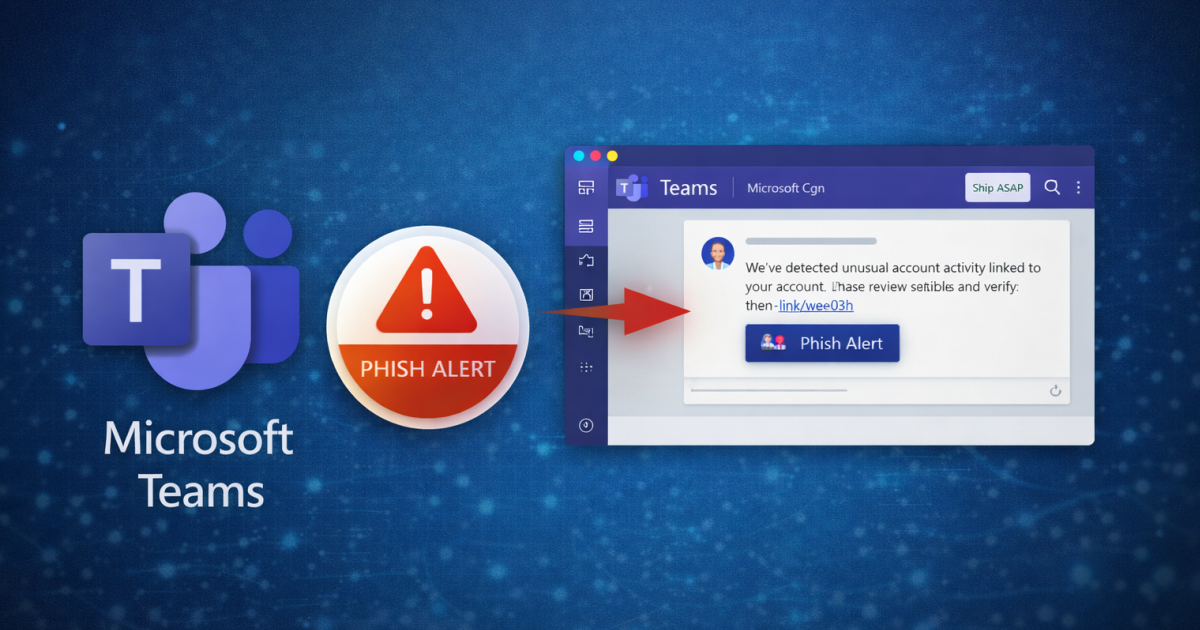
To strength threat identification and mitigation in Teams, KnowBe4 launched its Phish Alert Button for Microsoft Teams. The new feature extends the company’s one-click suspicious-message reporting capability from email directly into Teams. KnowBe4 says the goal is to bring the same employee-driven incident reporting model it built around email into Teams, where workers communicate and collaborate every day. The company positions Phish Alert for Teams as a response to the growth of multiplatform social engineering and the false sense of safety many users attach to internal chat.
This is an evolution in the human side of cyber defense. Employees have been trained for years to question emails, but they have not always been trained to apply the same skepticism to Teams messages, direct chats, meeting invitations, or attachments that arrive in collaboration workflows.
KnowBe4’s argument is simple – and logical. If employees encounter a suspicious or unexpected message in Teams, they should have a simple way to flag it for security review, just as they can with email. Reported items are forwarded to the organization’s designated security inbox and incident response team, helping unify reporting across communication channels.
It makes all the sense in the world, considering that, according to Verizon’s 2025 Data Breach Investigations Report, the human element remains involved in roughly 60% of breaches. It’s a reminder that user judgment, manipulation, and workflow design still sit at the center of many incidents. To be clear, that doesn’t inherently mean that users are the root cause, but that attackers continue to target people wherever trust is easiest to exploit. As work shifts into chat and collaboration spaces, the human firewall concept also has to move there.
The issue is whether chat-based phishing exists – it does. Rather, the issue is that organizations need an operationalized response path for suspicious collaboration content the same way they have for email. Many don’t, which is why KnowBe4 can help. Security teams may have playbooks for reported phishing emails, quarantine workflows, and mail-header analysis, but there is less process maturity around suspicious collaboration interactions and workflows.
Employees have changed how they communicate and many treat chat as the default channel for quick decisions, file exchange, and internal coordination. Security needs to keep pace.
KnowBe4’s Phish Alert Button for Teams is essentially an attempt to close that behavioral gap between email and collaboration platforms by giving users a familiar reporting mechanism in a less familiar risk environment. KnowBe4’s Teams addition is more than just adding another button or feature; it’s about updating a security model for the modern workplace. Since collaboration platforms are now core business infrastructure, and because attackers know it, organizations need to be able to respond to the growing threat surface.
Edited by
Erik Linask